 cs
cs en
enRemote Measurement
- Quick Guide
-
- Overview
- How To Install?
- How to Start?
- Web
-
Overview provides information on input status and meter values.
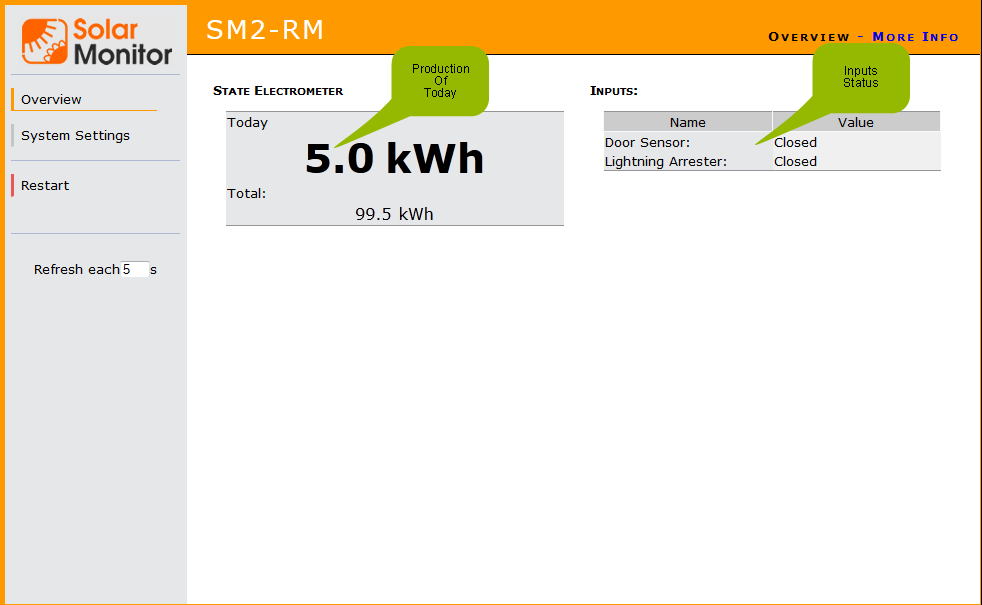
Data from the Meters
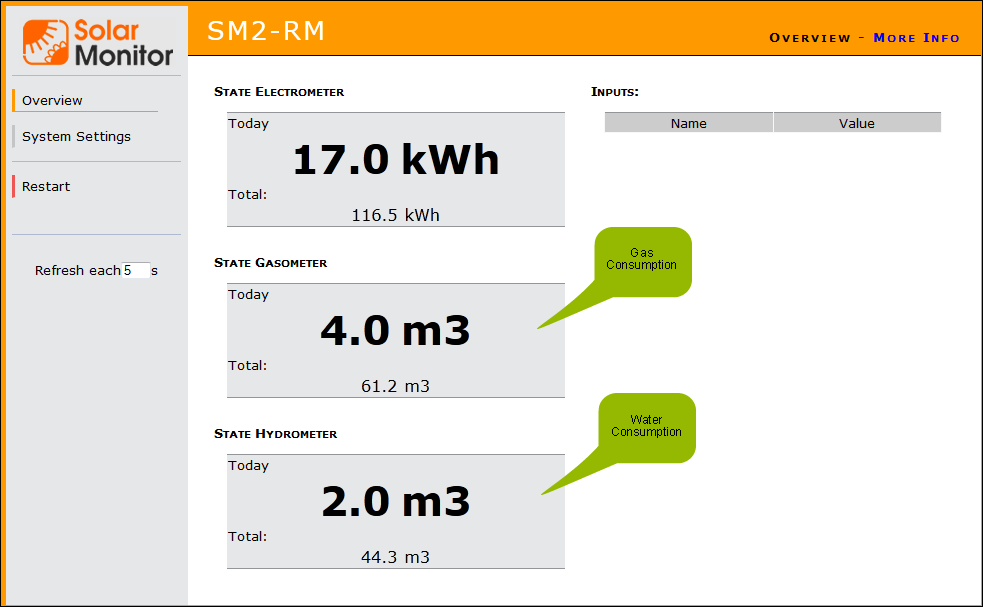
This box shows total production (consumption). The values (kWh or m³) depend on the type of meter (electro, gas, water).
Input Status
Each input has two: connected or disconnected. You can use the inputs to plug in any device with contact status signalling e.g. a surge, a movement sensor, a door sensor, an optical barrier or a security device output.
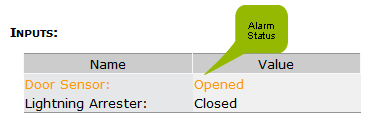
Inputs work on 100 millisecond basis. If there is an alarm at any input, it is highlighted in color:
Example with three meters at the inputs.