Step 4 - Counter Settings
If there is no counter connected to your Solar Monitor (electrometer, gas meter, inverter, tracker, batery or another meter), go to Next >>
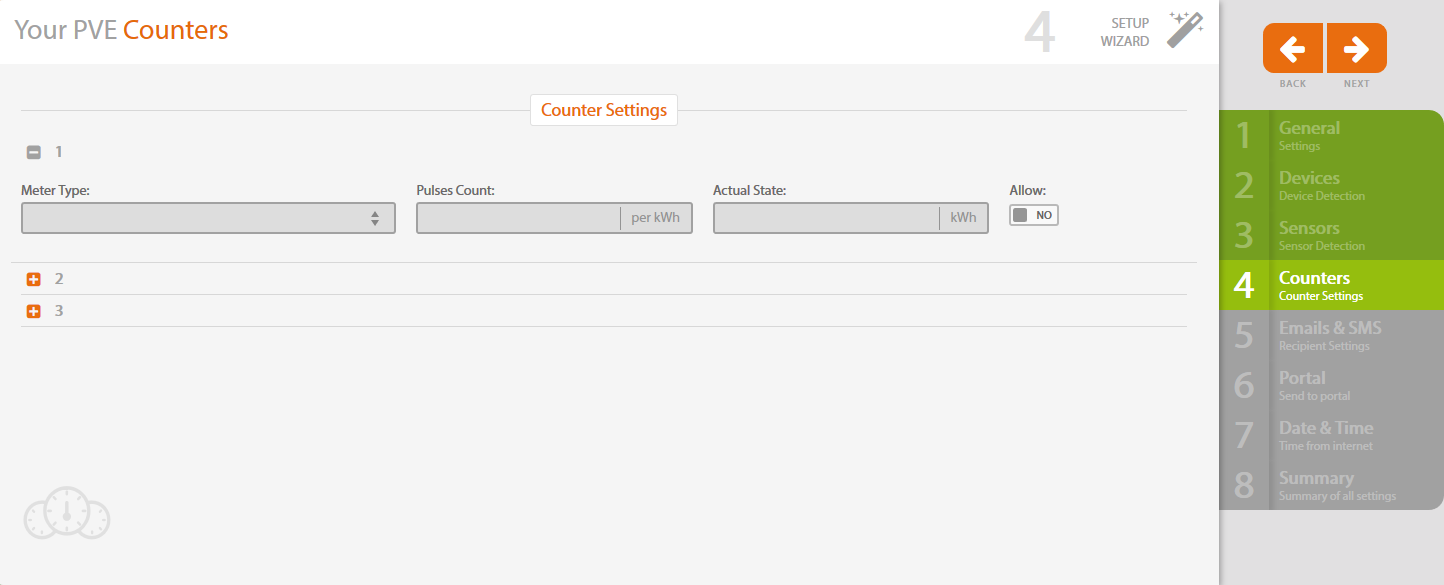
First you need to allow the chosen input, then you will be able to set it up.

Select particular counter.
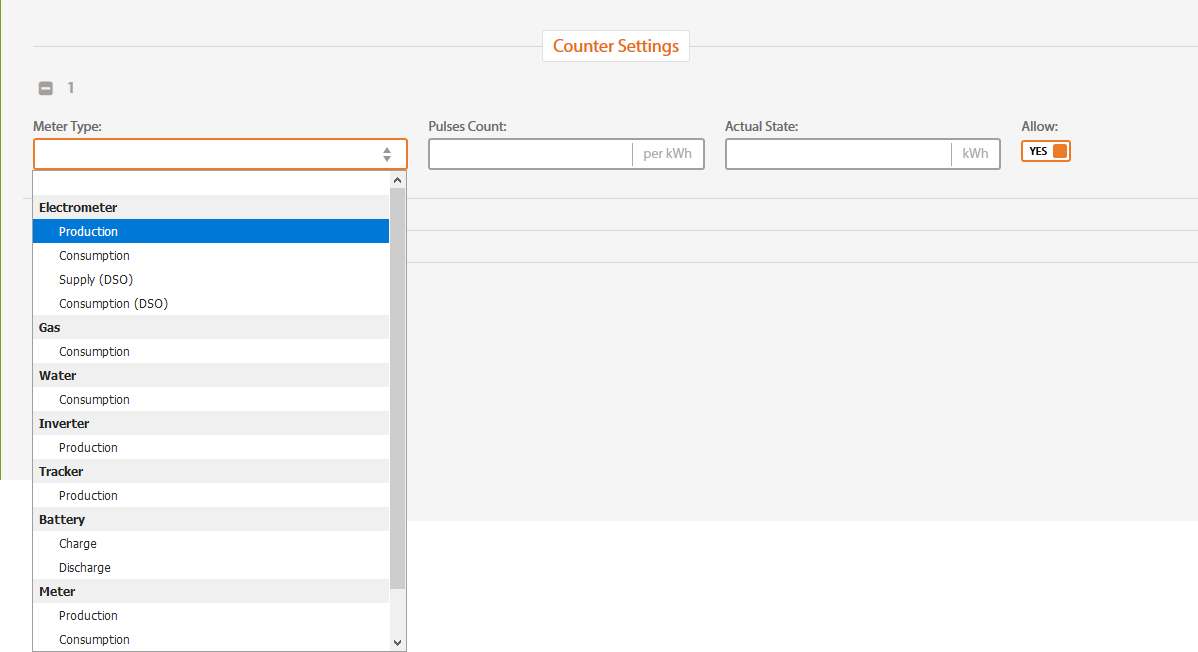
For details about this settings see chapter Inputs & Counters.
Click on Next on the right to get to the next step.