Uživatelské nástroje

Nástroje pro tento web


en:sim:manual:rychly_navod:konfigurace:detekce_senzoru
Writing /data/d/f/df982415-00c3-436e-a656-2b5d777a25bf/wiki.smon.cz/www/data/cache/f/fa32afe4c2971d52e3aea73527ea09e0.i failed
Unable to save cache file. Hint: disk full; file permissions; safe_mode setting.
Writing /data/d/f/df982415-00c3-436e-a656-2b5d777a25bf/wiki.smon.cz/www/data/cache/f/fa32afe4c2971d52e3aea73527ea09e0.xhtml failed

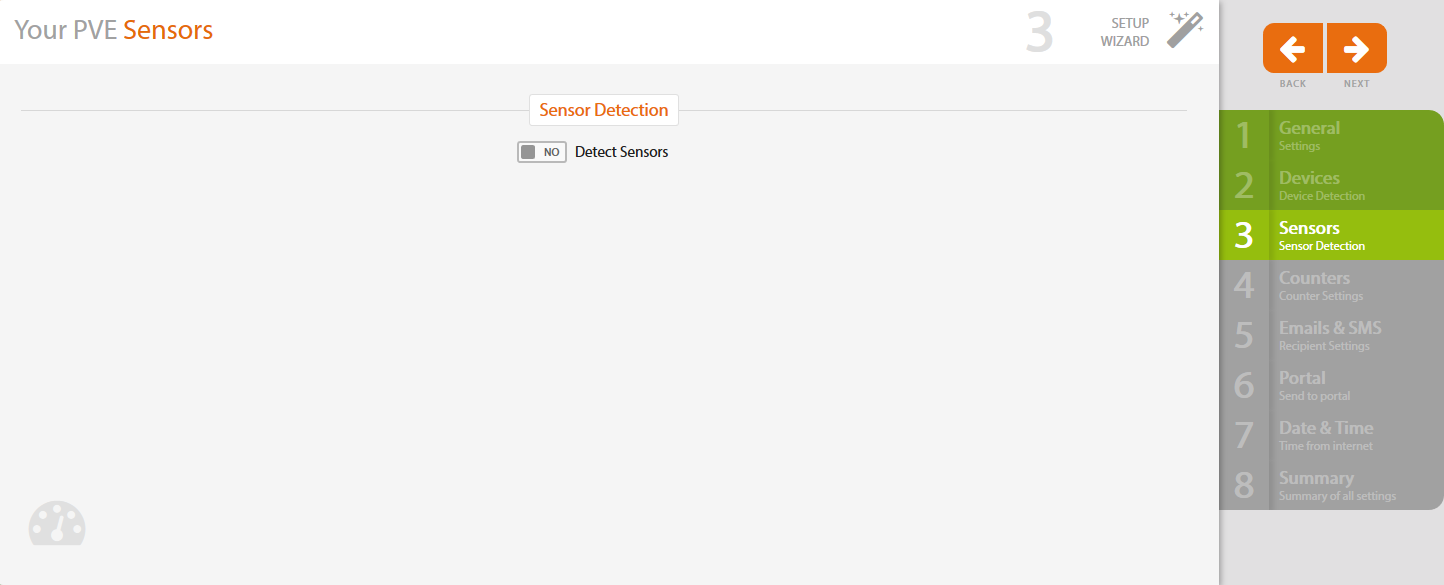
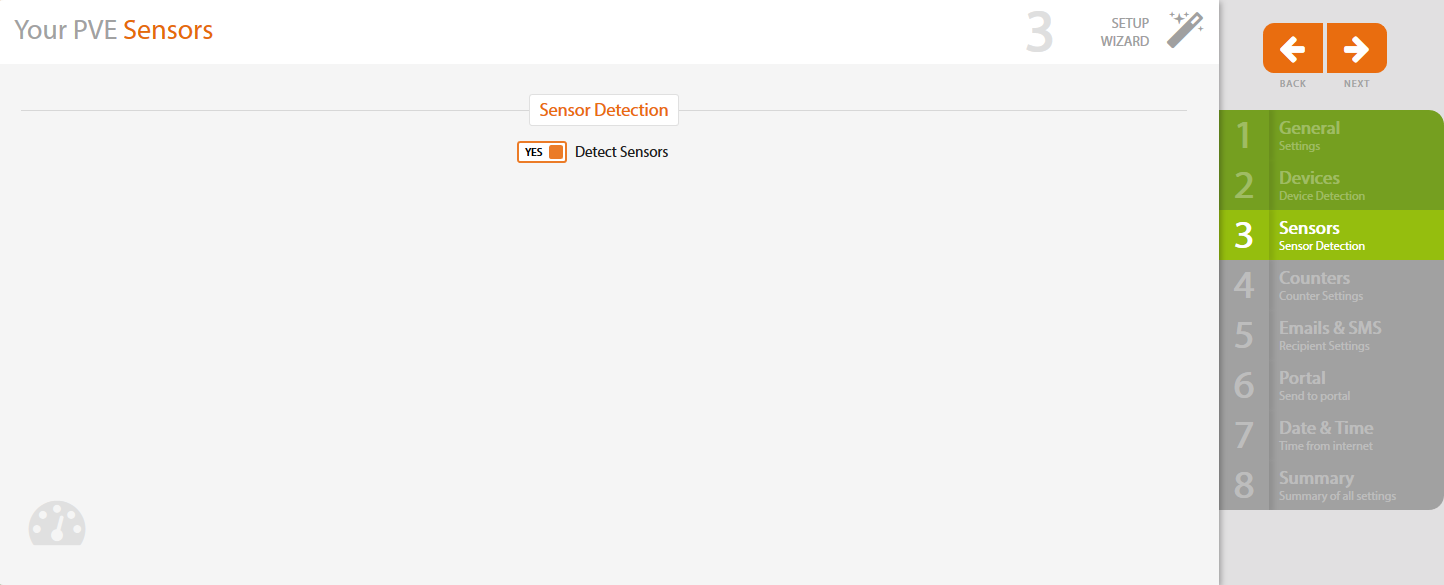
Step 3 - Sensor Detection


In case you don't have any sensors connected to Solar Monitor unit, leave NO in Detect sensor option and click on Next on the right.


If you have sensors connected, choose YES and click on Next.


en/sim/manual/rychly_navod/konfigurace/detekce_senzoru.txt · Poslední úprava: 2018/09/14 14:06 autor: jitka